
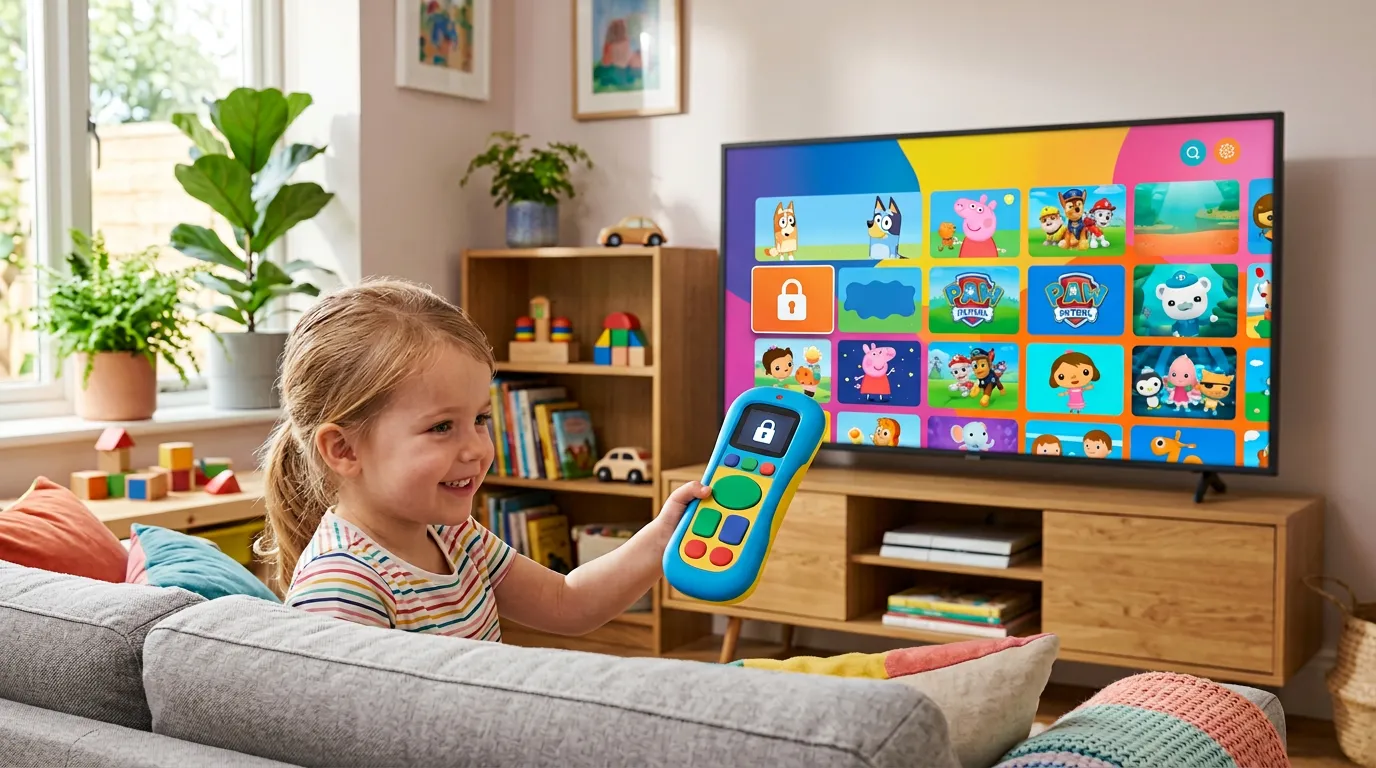
IPTV gives you access to thousands of channels. That is brilliant for adults. For households with children, it is a genuine concern. Without proper IPTV parental controls UK settings in place, kids can stumble onto adult content, violent films, or channels you would rather they never saw.
The good news is that IPTV parental controls UK are built into most of the popular apps. You just need to know where to find them and how to set them up properly. This guide walks you through everything — which apps support parental controls, how to activate them, and how to create a safe viewing environment for the whole family.
Why IPTV Parental Controls UK Matter
Traditional TV services like Sky and Freeview have built-in age restrictions that most parents take for granted. IPTV is different. Your IPTV subscription UK gives you access to channels from around the world — including categories that are definitely not suitable for children.
Without IPTV parental controls UK configured, a child scrolling through channels can land on adult content within seconds. Most IPTV apps uk load the full channel list by default with no restrictions. It is your responsibility to set the boundaries — and fortunately, the tools to do it are already in the apps you use.
How to Set Up IPTV Parental Controls UK on TiviMate
TiviMate is the most popular IPTV app on Android TV and Firestick, and it has solid parental control features.
Open TiviMate and go to Settings. Select Parental Controls. Enable the feature and create a four-digit PIN code. Choose which channel categories to lock — most users lock the Adult category at minimum, but you can also lock specific channels or entire channel groups.
Once IPTV parental controls UK are active in TiviMate, anyone trying to access a locked channel will be asked for the PIN. Without it, the channel simply will not play. The PIN also protects the settings themselves, so children cannot disable the restrictions.
For a full TiviMate setup guide, see the IPTV apps UK guide.
IPTV Parental Controls UK on IPTV Smarters Pro
IPTV Smarters Pro offers parental controls through its Settings menu. Open the app, navigate to Settings, and find the Parental Controls section. Enable it, set a PIN, and select the channels or content categories you want to restrict.
Smarters also supports multiple user profiles. You can create a separate profile for your children that only includes kid-friendly IPTV channels UK content. This is one of the best IPTV parental controls UK approaches because kids never even see the adult channels — they only see what you have approved.
Creating a Safe Channel List for Children
Beyond PIN locks, the smartest approach to IPTV parental controls UK is creating a curated channel list that only includes appropriate content.
In TiviMate, you can create a Favourites group called something like Kids Channels. Add CBeebies, CBBC, Cartoon Network, Nickelodeon, Disney Channel, and other family-friendly IPTV channels UK options. Then set the app to open on the Kids Channels group by default when your child uses the device.
This way, children browse a clean, safe list of channels without ever encountering anything inappropriate. Combined with a PIN lock on the full channel list, this creates a genuinely child-safe IPTV family UK experience.
Choosing a Provider That Supports Safe Viewing
Not every IPTV provider organises their channel list in a way that makes parental controls easy. Some providers dump all channels into one unsorted list — including adult content mixed in with entertainment and kids channels. That makes IPTV parental controls UK much harder to configure because you have to manually find and lock dozens of individual channels.
Golden TV keeps their channel list properly categorised with adult content clearly separated into its own group. This makes setting up IPTV parental controls UK straightforward — lock one category and you are done. For IPTV family UK households, that kind of organisation matters. Reach out on WhatsApp to test it.

Device-Level Parental Controls
On top of app-level IPTV parental controls UK, you can add device-level restrictions for extra safety.
Firestick — Amazon’s built-in parental controls let you restrict app access with a PIN. Go to Settings > Preferences > Parental Controls. This prevents children from opening apps you do not want them using.
Android TV — Google’s Family Link can restrict app installations and set screen time limits. Combined with IPTV apps uk parental controls, this creates a double layer of protection.
Samsung and LG smart TVs — both have built-in app lock features in their settings menus. Lock the IPTV app itself so children cannot open it without a PIN.
For device setup help, see the IPTV smart TV UK guide and the IPTV for Firestick guide.
Frequently Asked Questions
Does IPTV have parental controls?
Yes. Most popular IPTV apps including TiviMate and IPTV Smarters Pro have built-in parental control features with PIN protection and channel locking.
Can I block adult channels on IPTV?
Yes. You can lock entire channel categories — including adult content — behind a PIN code. Children cannot access locked channels without the PIN.
Is IPTV safe for children?
With IPTV parental controls UK properly configured, yes. The key is setting up restrictions before giving children access to the device. Without controls, children can access inappropriate content.
Can I create a kids-only profile on IPTV?
IPTV Smarters Pro supports multiple profiles. You can create a child profile that only shows approved channels. TiviMate supports favourite groups that achieve a similar result.
Do all IPTV providers support parental controls?
Parental controls are a feature of the IPTV app, not the provider. However, providers that organise their channel lists with clearly separated adult categories make it much easier to set up restrictions. See the reliable IPTV supplier UK guide for tips on choosing well.
Can I set screen time limits on IPTV?
Not within IPTV apps directly. Use device-level controls — Amazon Firestick and Android TV both support screen time limits through their built-in parental settings.
Final Thoughts
IPTV parental controls UK are essential for any household with children. The tools are already built into the apps — you just need to spend ten minutes setting them up. Lock adult categories, create a kids channel list, and add device-level restrictions for complete peace of mind.
Your IPTV subscription UK should enhance family life, not create anxiety about what your children might accidentally see. Set the controls and enjoy.
For more, see our IPTV catch up UK guide and our international IPTV channels UK guide.
This website is for informational purposes only. We may recommend third-party services based on user feedback and testing. All trademarks belong to their respective owners.